How often should you refresh imagery on a border watch desk?
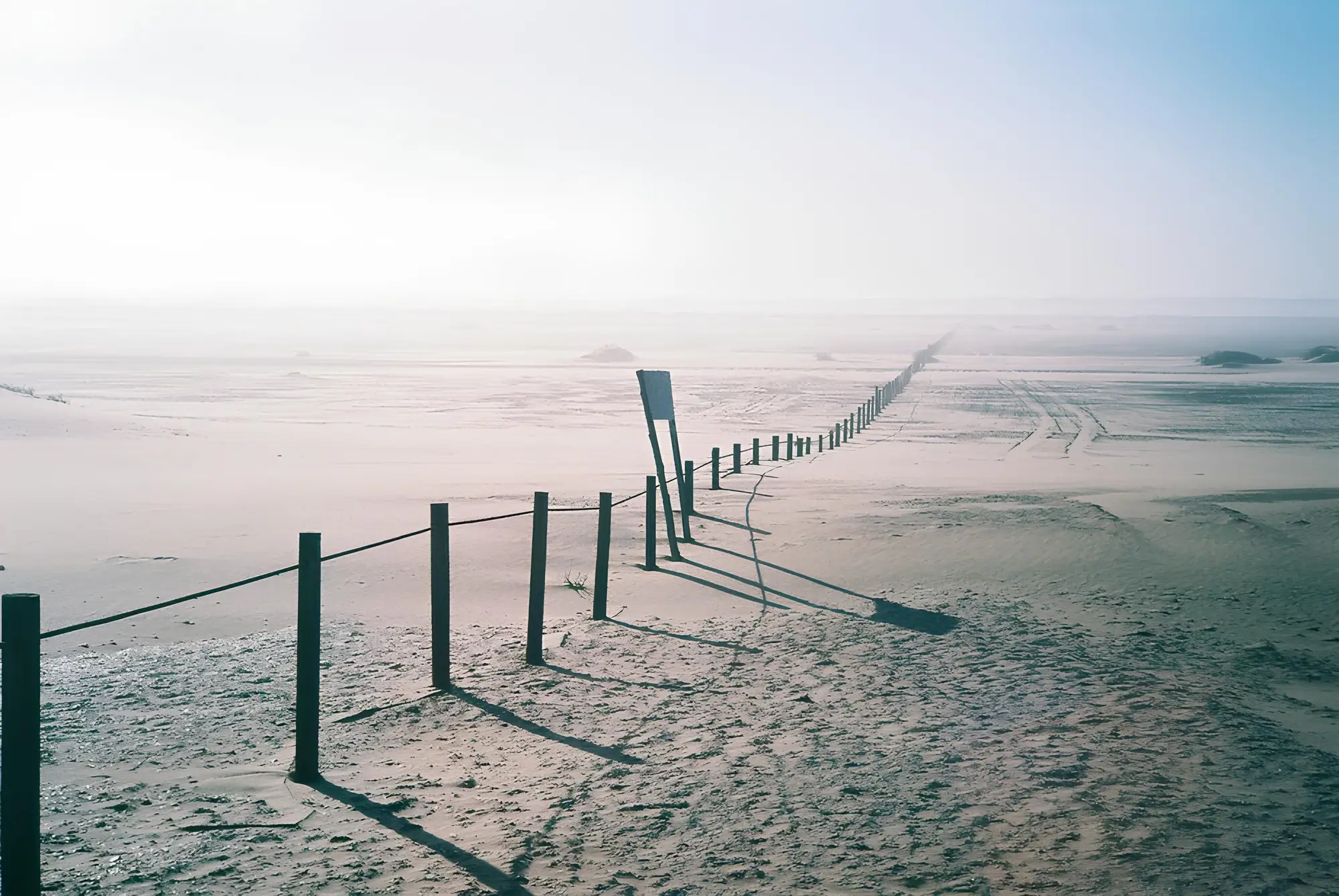
The right cadence tracks what the line is doing, segment by segment. Most watch desks run on whatever cadence their contract bought instead, and that mismatch is where gaps open up.
A fence crew can finish a 200-meter breach repair in a day. A staging area can fill and empty between Friday and Monday. A weekly cadence means the desk reconstructs the line after the fact, from whatever evidence survives until the next pass comes through.
Daily vs weekly pass cadence
Weekly cadence works fine for slow-moving things: vegetation encroachment near the line, erosion along a riverine boundary, long-term fence degradation that takes months to matter. If nothing on your segment changes faster than a season, weekly tiles are plenty, and paying for daily tasking there just burns budget.
Daily cadence earns its cost on anything with turnaround measured in hours or days: foot traffic patterns, new staging, vehicle tracks, ladder or breach points that get patched and reopened. A weekly pass catches that activity only if it happens to land on the one day the satellite looks. Most of the time it's gone, repaired, or moved by the next pass, and the desk ends up working from secondhand reports instead of the imagery.
Most desks split the corridor into two tiers instead of tasking the whole thing on one cadence. A segment with a prior incident, or one sitting on a known crossing corridor, goes on a daily or near-daily task. A segment with no incident history in the past few months gets tasked weekly, until a new report or a visible change moves it into the daily tier. The same satellite can shoot either cadence; it's a tasking decision about where the daily slots go, not a property of the sensor.
Tasking cadence for linear AOIs
Most commercial tasking tools are built around polygon AOIs: a farm, a facility, a city block. A border segment is a line, often dozens or hundreds of kilometers long, and tasking it like a single polygon either wastes collection on stretches nobody's watching or forces you to split it into dozens of small AOIs and manage each one's revisit separately.
A better approach treats the line as a corridor with variable priority along its length. Segments near a known crossing point or a recent incident sit on a tight, often daily, revisit. The rest of the corridor sits on a looser cadence until something on it changes, at which point it gets bumped up. Managing that by hand across a long boundary is the real reason most desks end up either over-tasking everything or under-tasking the parts that matter.
What needs a daily look
Spending a limited tasking budget well starts with asking what decays fastest on each segment. Staging areas and foot traffic decay in hours. Vehicle tracks hold up for a few days depending on soil and weather. Fencing damage can sit visible for weeks if nobody's repaired it, which makes it one of the few things a weekly pass catches reliably. Vegetation and erosion hold up for months.
Rank your segments by how fast the thing you care about disappears, then let that ranking set the tasking budget.
Most watch desks don't have the staff to scrub archive tiles segment by segment every morning looking for what moved. Border Monitoring runs that comparison as a daily console feed, flagging new crossings, tracks, fencing changes and staging against yesterday's pass, so the desk sees what changed instead of re-deriving it from scratch.
If your segment is active enough that a week between looks feels too long, it's worth setting up that daily check.